• Skip to primary navigation
  • Skip to main content

HRMorning

  • FREE RESOURCES
  • PREMIUM CONTENT
  • HR DEEP DIVES
  • PODCASTS
    • VOICES OF HR
    • WOMEN’S LEADERSHIP TODAY
  • LOGIN
  • SIGN UP FREE
  • Employment Law
  • Benefits
  • Recruiting
  • HR Technology
  • Payroll
  • Management
  • Women’s Leadership
  • More
    • Talent Management
    • Performance Management
    • Leadership & Strategy
    • Compensation
    • Policy & Procedures
    • Wellness
    • Staff Departure
    • HR Career & Self-Care
    • Health Care
    • Retirement Plans
  • HR Technology

The Rise of Workslop — and 4 Ways to Counter the Negative Effects of AI

Michele McGovern
By: Michele McGovern
  • Share on

About the Author

Michele McGovern writes. A lot. These days, she covers HR, digging deep into company culture, DEI, leadership, management and the everchanging world of work. In the years between getting a BA in journalism from a state school and writing about HR, she wrote about big-city crime for a wire service and small-town life for local newspapers. She’s a mediocre mom, decent wife, wannabe athlete and consummate pursuer of fun - on land, snow and water. Find her on LinkedIn @michele-mcgovern-writer.

Show Less
Last Updated: January 30, 2026
5 minute engagement
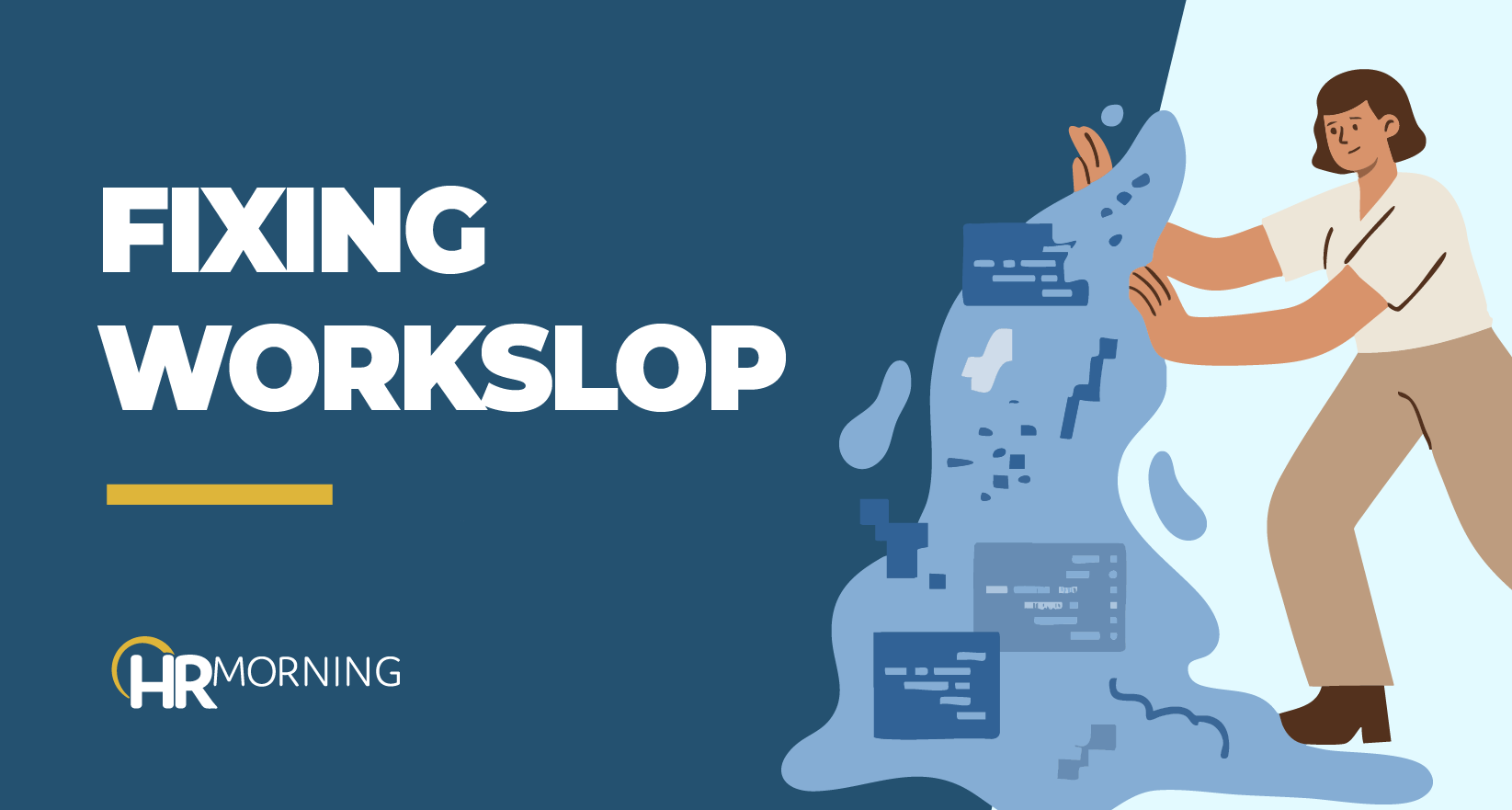
HR Morning blog image illustrating fixing “workslop,” showing an employee pushing back messy, inefficient workflows.

Your employees use AI to do their jobs more than ever.

It might seem like a godsend, supposedly helping them do work more efficiently. But researchers found that’s not always the case.

The increased use of AI in the workplace has caused workslop. It’s one of the biggest — and possibly worst — workplace trends of the year.

Coined by a team of researchers from Stanford University and BetterUp Labs, and published in the Harvard Business Review in late 2025, workslop is: AI-generated work content that masquerades as good work, but lacks the substance to meaningfully advance a given task.

Employees Use AI, Lead to Workslop

More than 45% of employees across all industries have used AI a few times for their job in the last year, according to Gallup’s latest poll. About 25% of employees use it a few times a week. And 12% of employees use generative AI tools every day.

But AI-generated work often looks polished and ends up wasting time and effort. Why? The next person has to slog through it to realize that there’s not much value, then that person has to either fix it or waste more time instructing the creator on how to make the desired work. It’s generally a confusing and infuriating experience for several people.

The Newest Problem with Workslop

Now, here’s where it’s become more complicated, according to the latest research from the same groundbreaking crew that coined workslop.

Their words from the HBR story: “It’s tempting to respond to workslop with disdain for those who produce it. Our research points to an uncomfortable answer: The proliferation of workslop is a management failure. Specifically, it is the result of unclear AI mandates and overwhelmed teams.”

Employees create workslop because they can — intentional or not. Or they don’t know how to properly use and manage AI. Or, they might even feel embarrassed about how they use AI.

Looking at different data points, the researchers believe employees feel stretched as their companies have consolidated roles, tightened budgets and asked people to do more with less. And Large Learning Models promise to take over the mundane tasks that companies consolidated, so why wouldn’t employers assume their workers could effectively use AI to do the work?

But, the researchers said, the mere presence of AI doesn’t mean employees seamlessly got better at their jobs or faster at their work. Why? For the same reason as always: If people aren’t trained, they won’t be able to do it better.

Beyond Workslop, AI and Productivity

We might be able to overlook some repetitive or boring work from AI for faster or more efficient work, right? But new data is showing that many organizations aren’t experiencing the productivity gains they had hoped for from AI either.

Company leaders think AI is making employees more efficient. Employees say it isn’t, according to a new survey from the AI consulting firm Section. When asked how much time they thought AI had saved workers each week, 40% of executives said it saved them more than eight hours. Two-thirds of staffers said they saved less than two hours or no time at all each week using AI.

What’s more, many of the staffers felt overwhelmed just trying to incorporate AI into their jobs!

In another analysis from West Monroe that hit my desk when I was writing this story, two-thirds of executives said they rolled out AI tools. But only about half the managers in the same survey said they had access to the tools. So, in some cases, AI tools aren’t even reaching the people they’re intended to help.

Strategies to Avoid Workslop

We aren’t going to tell you that you can go forward without AI tools. They’re in your employees’ hands, and they’ll only become more accessible and part of their jobs.

The best path forward is to help them learn and manage AI effectively so they avoid workslop. Here are four strategies.

1. Know What You Want to Gain

Don’t just dive into AI. Don’t just deploy it because everyone else is.

“In order to increase your level of adoption and understanding of the technology, you have to educate your associates. So I highly advocate that organizations spend the time to get employees up and running on this technology,” says Naomi Lariviere, Chief Product Owner, VP of Product Management in Innovative Product Solutions at ADP.

She knows from experience. In 2019, ADP created an AI and Ethics Council to support the organization and its people in understanding how the technology worked and when they should use it: They didn’t want to just apply technology for technology’s sake.

Know exactly what you’ll gain from using AI — not just speed or more information. You want to confirm that employees, the company and clients will gain something.

2. Build Confidence, Competence

Not surprisingly, the Stanford and BetterUp Lab researchers suggested building competency and control through AI literacy investments: Get employees training so they handle the tools they have. That can be done through vendors or experts. Most importantly, you want to give them the time to take and absorb the training.

To build on that, ensure they can share their best practices through workplace communication tools and workflows.

3. Build a Culture of Trust

The same researchers also found that building a culture of trust protects teams against workslop. If people are comfortable admitting they use AI, they can raise concerns about the quality — or ask questions about how to get better results. Plus, their colleagues can give better feedback.

4. Be Accountable

AI won’t just be a tech role going forward. It’s practically everyone’s role. So you’ll want to get more people involved in how it’s managed and how it evolves. Consider creating something like ADP’s AI and Ethics Council. You want human oversight on how AI is used and managed in your workplace. Plus, you’ll want to ensure that the quality of work from AI is held to the same standards as that of your employees.

Filed under
  • HR Technology
  • Share on

Get the HRMorning Newsletter

With HRMorning arriving in your inbox, you will never miss critical stories on labor laws, benefits, retention and onboarding strategies.

  • This field is for validation purposes and should be left unchanged.
  • This field is hidden when viewing the form
  • This field is hidden when viewing the form
  • This field is hidden when viewing the form
  • This field is hidden when viewing the form
  • This field is hidden when viewing the form
  • This field is hidden when viewing the form
  • This field is hidden when viewing the form
  • This field is hidden when viewing the form
  • This field is hidden when viewing the form
  • This field is hidden when viewing the form
  • This field is hidden when viewing the form
  • This field is hidden when viewing the form
  • This field is hidden when viewing the form
  • This field is hidden when viewing the form
  • This field is hidden when viewing the form
  • This field is hidden when viewing the form
  • This field is hidden when viewing the form
  • This field is hidden when viewing the form
  • This field is hidden when viewing the form
  • This field is hidden when viewing the form
  • This field is hidden when viewing the form
  • This field is hidden when viewing the form
  • This field is hidden when viewing the form
  • This field is hidden when viewing the form
  • This field is hidden when viewing the form
  • This field is hidden when viewing the form
  • This field is hidden when viewing the form
  • This field is hidden when viewing the form
  • This field is hidden when viewing the form
  • This field is hidden when viewing the form
  • This field is hidden when viewing the form
  • This field is hidden when viewing the form
  • This field is hidden when viewing the form
  • This field is hidden when viewing the form
  • This field is hidden when viewing the form
  • This field is hidden when viewing the form
  • This field is hidden when viewing the form
  • This field is hidden when viewing the form
  • This field is hidden when viewing the form
  • This field is hidden when viewing the form
  • This field is hidden when viewing the form
  • This field is hidden when viewing the form
  • This field is hidden when viewing the form
  • This field is hidden when viewing the form
  • This field is hidden when viewing the form
  • This field is hidden when viewing the form
  • This field is hidden when viewing the form
  • This field is hidden when viewing the form
  • This field is hidden when viewing the form
  • This field is hidden when viewing the form
  • This field is hidden when viewing the form
  • This field is hidden when viewing the form
  • This field is hidden when viewing the form
  • This field is hidden when viewing the form
  • This field is hidden when viewing the form
  • This field is hidden when viewing the form

Free Training & Resources

White Papers

Healthcare Affordability Pulse

Provided by HealthEquity

White Papers

State of Women’s and Family Health Benefits 2026

Provided by Maven Clinic

Webinars

Reduce the Manual Tasks of Your HR Department

Webinars

The Future of HR: It’s Employees Doing Their Own Payroll

SPONSORED CONTENT

HR Technology

sponsored content
The Best AI Software for HR Automation

Courtesy of G-P

Talent Management

sponsored content
Powerful Employee Retention Strategies for 2025: How to Keep Your Best People

Courtesy of PEOPLEGURU

Benefits

Health Care

Wellness

sponsored content
Proven Results: 5 Ways Teladoc Health Chronic Condition Management Transforms HR Outcomes

Courtesy of TELADOC HEALTH

Further Reading

  • HR Technology
5 Ways to Enhance Performance Reviews With Software

Performance reviews are a stressful event for both managers and employees. They can range from awkward conversations to pointless feedback ...

  • HR Technology
ATS Solutions: 4 Ways to Make Recruitment Chaos Simple

Hiring and recruiting are more complicated than ever. Those difficulties go beyond just finding the right person for the specific opening y...

  • HR Technology
Future of HR: Leverage AI for 30% productivity boost and new strategic insight

Human resources teams have an opportunity to leverage AI and agile practices to transform how they operate and strategically partner with b...

  • HR Technology
When Employees Fear AI Will Take Their Jobs: An 8-Point Guide on How to Talk about It

It seems that everyone wonders these days: Will AI take my job? And their concern is real as AI gets smarter and capable of handling hum...

  • Employment Law
  • HR Technology
AI Hiring Compliance: What New AI Lawsuit Means for HR Leaders

As AI hiring tools become embedded in core HR workflows, AI hiring compliance is moving higher on HR leaders’ priority lists. A class act...

  • HR Technology
Majority of Americans are opposed to using AI in hiring decisions, according to study

The conversation around Artificial Intelligence (AI) and what its effect on the workplace will be has been increasing throughout the years ...

Get the latest from HRMorning in your inbox PLUS immediately access 10 FREE HR guides.

I WANT MY FREE GUIDES
HR Morning Logo
  • Facebook
  • Linked In
  • ABOUT HRMORNING
  • ADVERTISE WITH US
  • WRITE FOR US
  • CONTACT
  • Employment Law
  • Benefits
  • Recruiting
  • Talent Management
  • Performance Management
  • HR Technology
  • Leadership & Strategy
  • Compensation
  • Policy & Procedures
  • Wellness
  • Staff Departure
  • HR Career & Self-Care
  • Health Care
  • Retirement Plans
  • DEI

HRMorning, part of the Rover Insights Network, provides the latest HR and employment law news for HR professionals in the trenches of small-to-medium-sized businesses. Rather than simply regurgitating the day's headlines, HRMorning delivers actionable insights, helping HR execs understand what HR trends mean to their business.

Powered By Rover Insights
Privacy Policy | Terms of Service
Copyright© 2026 Rover Insights
HRMorning Logo

WELCOME BACK!

Enter your username and password below to log in

Forget Your Username or Password?

Reset Password

Lost your password? Please enter your username or email address. You will receive a link to create a new password via email.

Log In

Why do we need your credit card for a free trial?

We ask for your credit card to allow your subscription to continue should you decide to keep your membership beyond the free trial period.  This prevents any interruption of content access.

Your card will not be charged at any point during your 21 day free trial
and you may cancel at any time during your free trial.

During your free trial, you can cancel at any time with a single click on your “Account” page.  It’s that easy.
